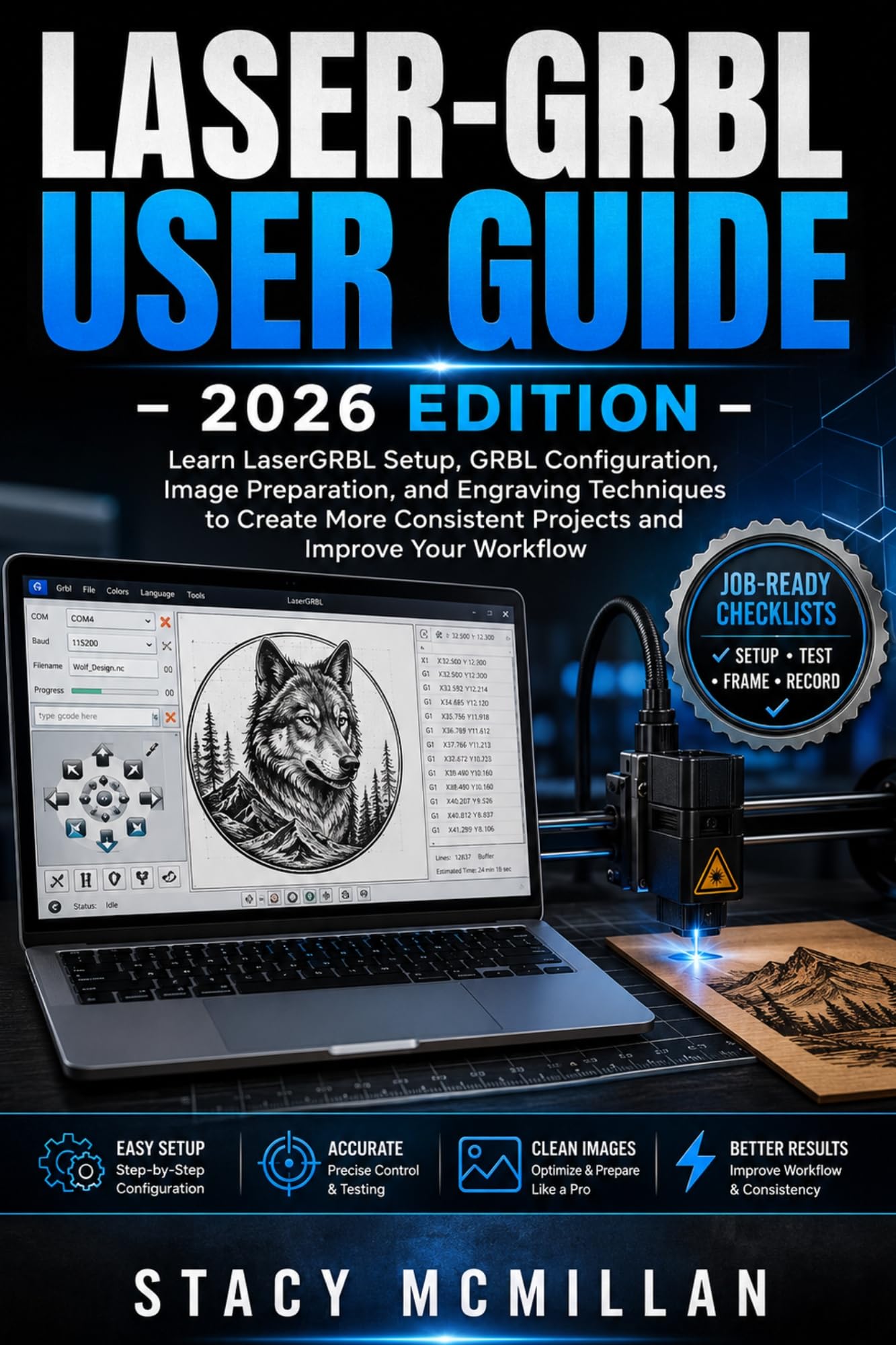
What if one wrong setting, missed connection step, or misplaced origin could ruin your next laser project?
LaserGRBL can feel confusing when the COM port will not connect, GRBL settings look unfamiliar, images engrave too dark, cuts do not pass through, or the laser starts in the wrong place. Beginners often waste material because they change speed, power, focus, and passes without a clear method. The problem is not a lack of effort. It is the absence of a simple workflow that explains what to check, what to change, and what to avoid.
This guide gives you a clear path from first setup to reliable laser jobs. It shows how to install LaserGRBL, connect a compatible machine, configure GRBL, prepare artwork, control speed and power, frame the job, test materials, and solve common faults. Each section is written in plain English and arranged as practical steps you can follow at the machine.
You will also find labelled diagrams, visual aids, examples, material-testing guidance, checklists, troubleshooting paths, and step-by-step instructions. The focus stays on real setup and job control, not long technical explanations.
Built for careful setup, repeatable results, and confident day-to-day use.
What’s inside
🖥️ LaserGRBL installation and driver setup🔌 COM port, baud rate, and connection checks⚙️ GRBL settings, backups, and laser mode🧭 Work origin, machine position, and coordinates🎯 Focusing, homing, and framing procedures🖼️ Image, photo, logo, and line-art preparation📏 Raster resolution and line-spacing guidance✂️ Vector engraving, cutting paths, and kerf🔥 Speed, power, passes, and material testing🧪 Test grids for wood, leather, slate, metal, and more🌀 Rotary engraving setup and calibration🛠️ Error codes, alarms, poor results, and recovery✅ Safety, maintenance, and job-preparation checklists
Who’s this guide for?
👤 First-time LaserGRBL users🪵 Hobbyists working with diode laser engravers🧰 Makers setting up a new GRBL-based machine🖼️ Users engraving photos, logos, text, and line art✂️ Users learning basic vector cutting🔧 Owners facing connection, homing, or quality problems📦 Small workshop users seeking repeatable settings
By the end of this guide, you will be able to:
✔ Install LaserGRBL and the correct USB driver✔ Connect your engraver and confirm communication✔ Read, change, back up, and restore GRBL settings✔ Prepare artwork for raster and vector jobs✔ Set origin, focus, speed, power, resolution, and passes✔ Frame a job before engraving or cutting✔ Build and record material test settings✔ Run, pause, stop, and recover jobs with care✔ Set up a rotary attachment✔ Diagnose common errors, alarms, and movement faults✔ Maintain the lens, belts, switches, and work area
Clear instructions and practical support help you move from uncertain setup to a safer, more organised workflow you can repeat across future projects.
Start building cleaner, better-planned LaserGRBL jobs with confidence.