Do you have a laser machine sitting in your garage that you are afraid to turn on?You bought the laser engraver. You had the vision. You imagined making custom slate coasters, personalized wood ornaments, and high-end gifts for your family. But then you opened the LightBurn software.Instead of a simple “Print” button, you saw a cockpit of confusing buttons: Interval, Dithering, PWM, Baud Rate, Z-Offset.You felt the panic. You joined a forum for help, only to be told, “Read the manual” or “Don’t buy a CNC machine if you don’t know G-Code.”Stop. You are not the problem.The problem is that laser cutting is usually taught by engineers who speak “Machine.” This book is taught by a teacher who speaks “Human.”LightBurn for Absolute Beginners (2026 Edition) takes you from “Box on the Porch” to “Business in a Box” without a single page of confusing jargon. Whether you own an xTool D1 Pro, Ortur Laser Master 3, or a K40 CO2 laser, this guide is your shortcut to mastery.Inside, you will discover:The “First Burn” Guarantee: How to create your first project (a custom Bag Tag) in under 15 minutes, even if you’ve never used vector design software before.The “Golden Triangle” of Settings: Stop guessing! Learn the simple speed and power settings formula to get perfect cuts on plywood, acrylic, and glass every time.Photo Engraving Demystified: Why your photos look like “burnt toast” and the one-click “Invert” trick that fixes laser photo engraving on slate instantly.The “Forbidden List”: The 3 materials you must NEVER put in your laser (burning these can create deadly chlorine gas or ruin your machine).Machine-Specific Guides: Tailored setup chapters for the most popular diode lasers, including how to fix the “Red Crosshair Offset” on the xTool D1 Pro.Pro Design Secrets: How to use “Weld,” “Grid Array,” and “Node Editing” to create complex laser cut files and snap-fit boxes without needing Photoshop or Illustrator.The Camera Upgrade: How to calibrate a LightBurn camera so you can drag-and-drop designs directly onto your scrap wood.PLUS: Weekend Warrior Projects Follow step-by-step guides to build a Monogrammed Ornament, a Photo Coaster, and a Mass-Production Jig that speeds up your laser engraving business workflow by 500%.You don’t need an engineering degree to master your laser. You just need a guide who has made all the mistakes for you.Scroll up and click “Buy Now” to turn your expensive paperweight into a money-making machine today!
save
$6.99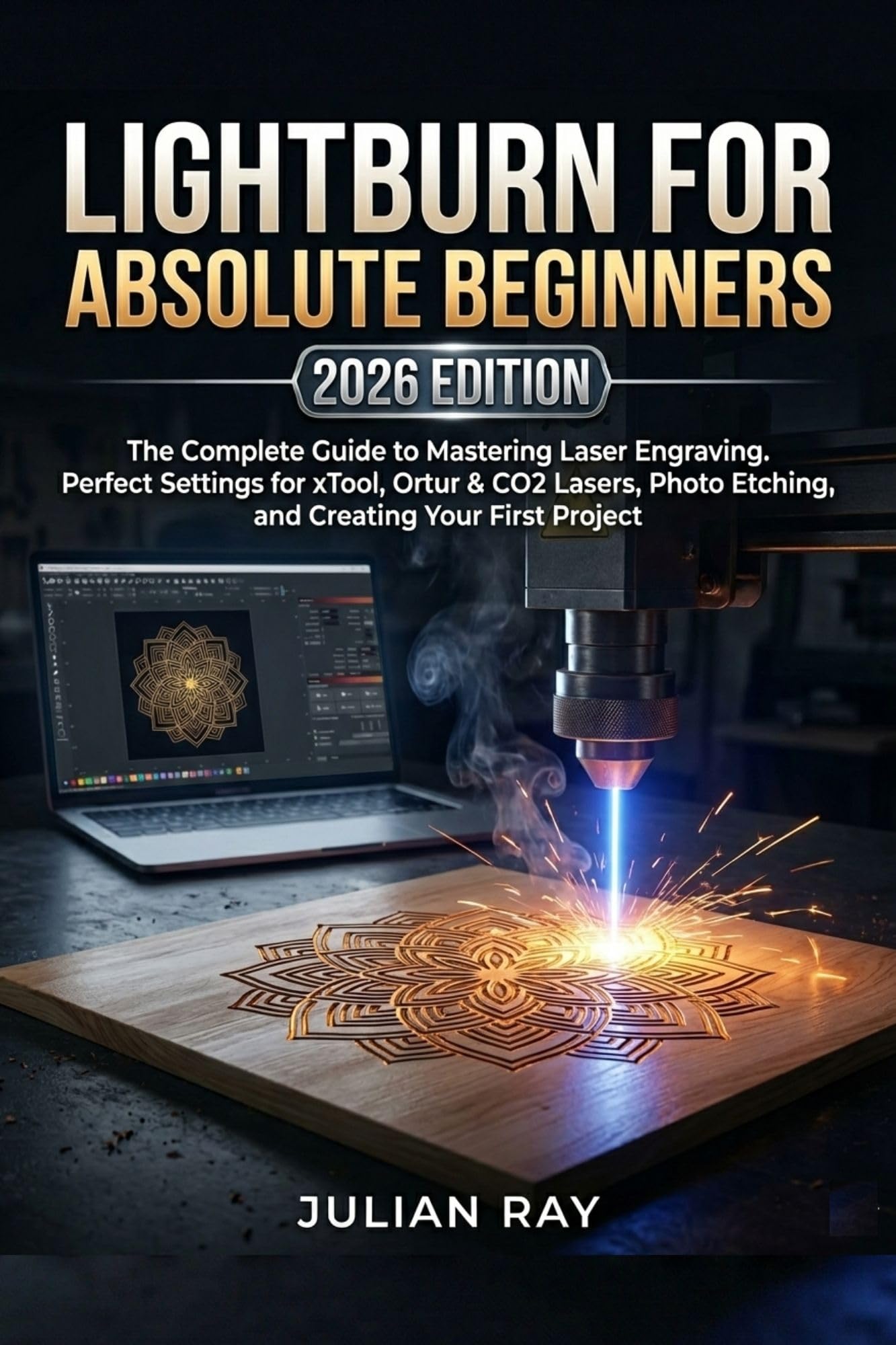
Lightburn for Absolute Beginners the Complete Guide to Mastering Laser Engraving. Perfect Settings for Xtool, Ortur & Co2 Lasers, Photo Etching, and Creating Your First Project
$0.00$6.99
Unlock your laser engraver’s potential with this easy-to-follow guide, mastering projects, settings, and design without the confusion. Perfect for beginners ready to create and earn!