STOP GUESSING. STOP TINKERING. START ENGINEERING.Is your 3D printer a tool, or is it a paperweight?You bought a 3D printer because you wanted to create. You imagined prototyping functional parts, printing cosplay armor, or manufacturing replacement components on demand.But that’s not what happened.Instead, you are stuck in a cycle of “Spaghetti Monsters,” clogged nozzles, shifted layers, and prints that warp off the bed five hours into a twenty-hour job. You spend more time leveling the bed than you do printing. You scour forums for advice, only to find contradictory tips: “Use glue stick!” “Buy a glass bed!” “Tighten the belts!” “Loosen the belts!”You are frustrated because you are treating a high-precision CNC robot like a toaster. You are hoping for a good print instead of engineering one.It is time to stop guessing.”The 3D Printer Repair Blueprint” is not a collection of random “life hacks.” It is the missing service manual for consumer FDM 3D printing. Written by an electromechanical expert, this book strips away the superstition and teaches you the raw physics of the machine. It transforms you from a confused hobbyist who hopes for the best into a master technician who demands precision.Inside, you will stop “tinkering” and start mastering systems:The Mechanical Foundation: Learn the “Squaring Protocol” to eliminate ghosting and oval circles by aligning your frame and tensioning your motion system to factory tolerances.The Extrusion Equation: Stop blaming the filament. Master E-Step calibration, Flow Rate management, and Cold Pulls to ensure the volume of plastic you request is the volume you get.The “Auto-Leveling” Lie: Understand why your BLTouch cannot fix a warped frame, and learn the manual tramming techniques that make the first layer stick every single time—without glue.Electrical Safety & Fire Prevention: Your printer is a fire hazard. Learn to identify dangerous “tinned wires,” crimp proper ferrules, and secure your thermal runaway protection before it’s too late.Firmware Demystified: Stop being afraid of code. Learn to edit Configuration.h in Marlin to define your safety limits, enable Thermal Protection, and unlock advanced features like Linear Advance.The 100-Hour Service: Implement the professional maintenance schedules (Daily, Weekly, Monthly) that keep your machine running for thousands of hours without a breakdown.Who This Book Is For:This manual is for the owner of an Ender 3, Prusa, Anycubic, or any customized RepRap machine who is tired of failure. It is for the maker who wants to understand WHY the nozzle clogged, not just how to unclog it.Who This Book Is NOT For:If you are looking for a magic button or want to cover your mechanical failures with hairspray and tape, look elsewhere. This book requires you to pick up a hex key, a multimeter, and a caliper.Your printer is a precision instrument. It’s time you treated it like one.Scroll up, click “Buy Now,” and finally take control of your machine.
save
$6.99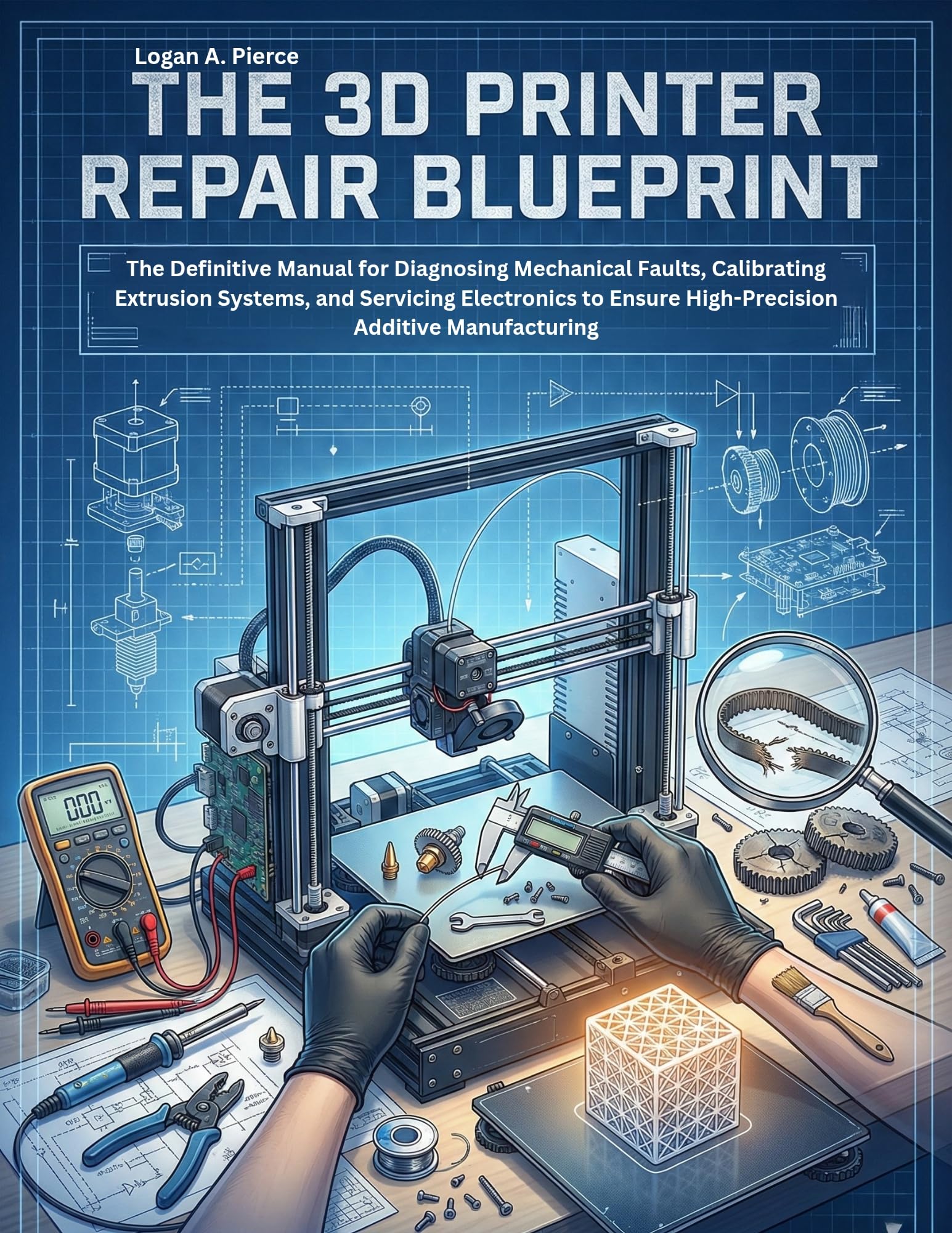
The 3d Printer Repair Blueprint: the Definitive Manual for Diagnosing Mechanical Faults, Calibrating Extrusion Systems, and Servicing Electronics to Ensure … Do-it-yourself
$0.00$6.99
Transform your 3D printing skills with expert guidance that teaches precision engineering. Master your printer, fix common issues, and unleash your creativity without guesswork!