
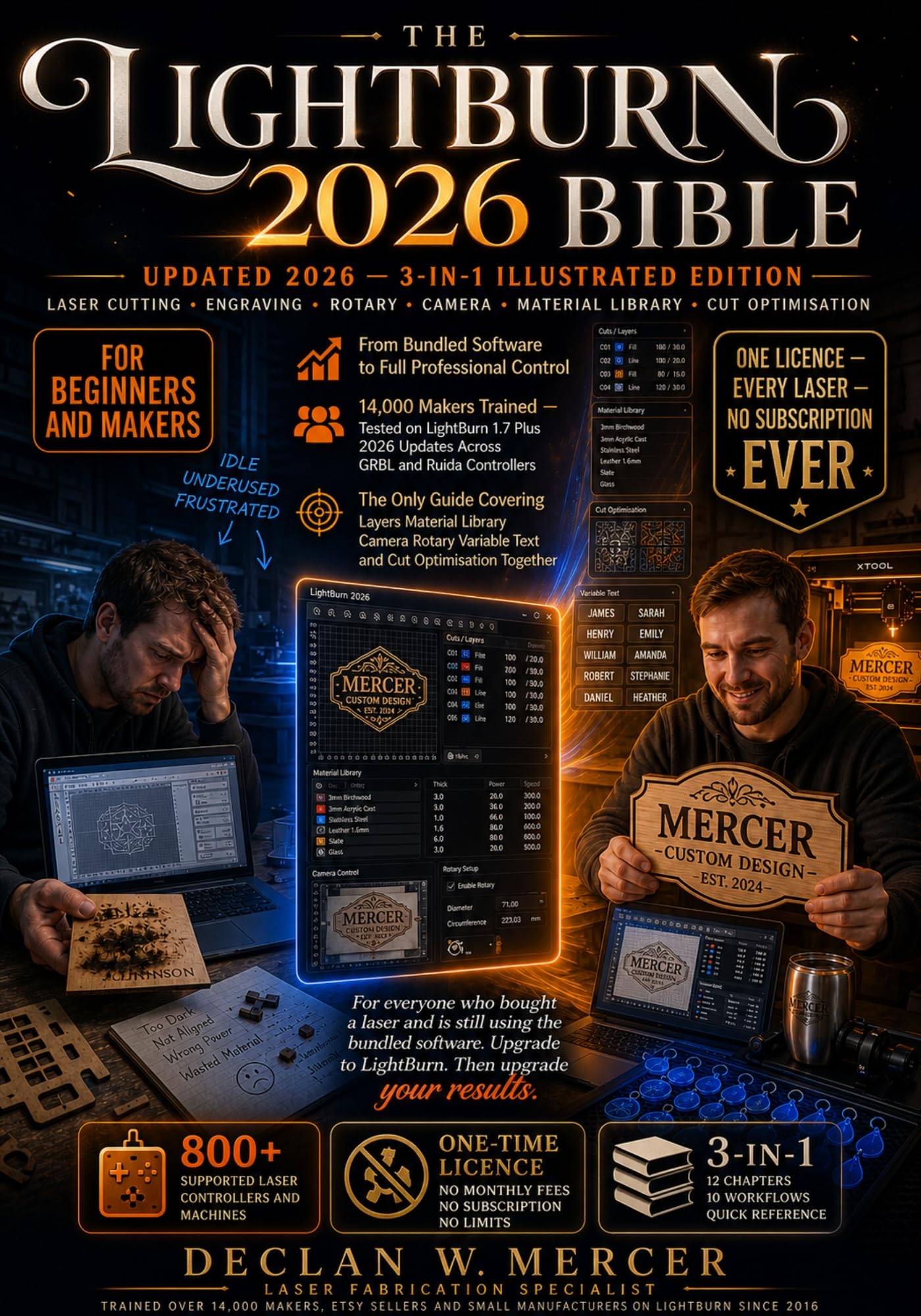
MASTER LIGHTBURN 2026 COMPLETELY – EVEN IF YOU ARE STILL RUNNING YOUR LASER ON THE SOFTWARE THAT CAME IN THE BOX!
You bought a serious laser machine.
Then you installed the bundled software.
And you have been fighting inconsistent results ever since.
Your cuts vary for no reason you can identify.
Your material settings vanish between sessions.
Your camera sits uncalibrated and ignored.
You space duplicate jobs manually like it is 2010.
Batch personalisation feels completely out of reach.
Here is the truth nobody told you at checkout.
Professionals do not use bundled software.
Professionals use LightBurn.
It runs on every CO2, diode, and fibre laser made.
One licence. One interface. Every controller supported.
But LightBurn is far deeper than most users ever explore.
The Material Library stays empty on most machines.
The Variable Text engine goes completely undiscovered.
The Cut Planner runs unoptimised on factory defaults.
The camera sits unused because calibration looks complicated.
The Print and Cut system hides in a menu nobody opens.
Every job you run without these tools costs you time, material, and money.
Introducing The LightBurn 2026 Bible.
The only 3-in-1 illustrated guide built for LightBurn 1.7+ with full 2026 updates.
Not a cheat sheet.
Not a quick-start pamphlet.
The complete professional guide your laser never came with.
Inside you will discover:
Full 12-chapter tutorial course from setup to advanced productionPower, speed, and material mastery — never guess a setting againMaterial Library — build permanent reusable settings for every materialLayer system in full depth for complex multi-operation jobsBoolean operations and node editing inside LightBurn directlyImage tracing and offset tools — no external software neededCamera calibration — position every job with visual precisionRotary setup — perfect tumbler and cylindrical engraving every timeVariable Text — automate personalised batch runs effortlesslyCut Planner — reduce job time and machine travel intelligentlyPrint and Cut registration for pre-printed graphic alignmentG-code console and full DSP versus GRBL controller knowledge10 complete real-world production workflows for makers and sellersQuick Reference — shortcuts, error fixes, material charts, and tipsEvery instruction tested on LightBurn 1.7+ across GRBL and Ruida controllers.
Covers diode, CO2, and fibre machines without exception.
Built for first-week beginners and production studio operators alike.
You did not buy a laser for amateur results.
This is the book that delivers professional ones.
Scroll up. Click Buy Now. Run your next job with total confidence.


