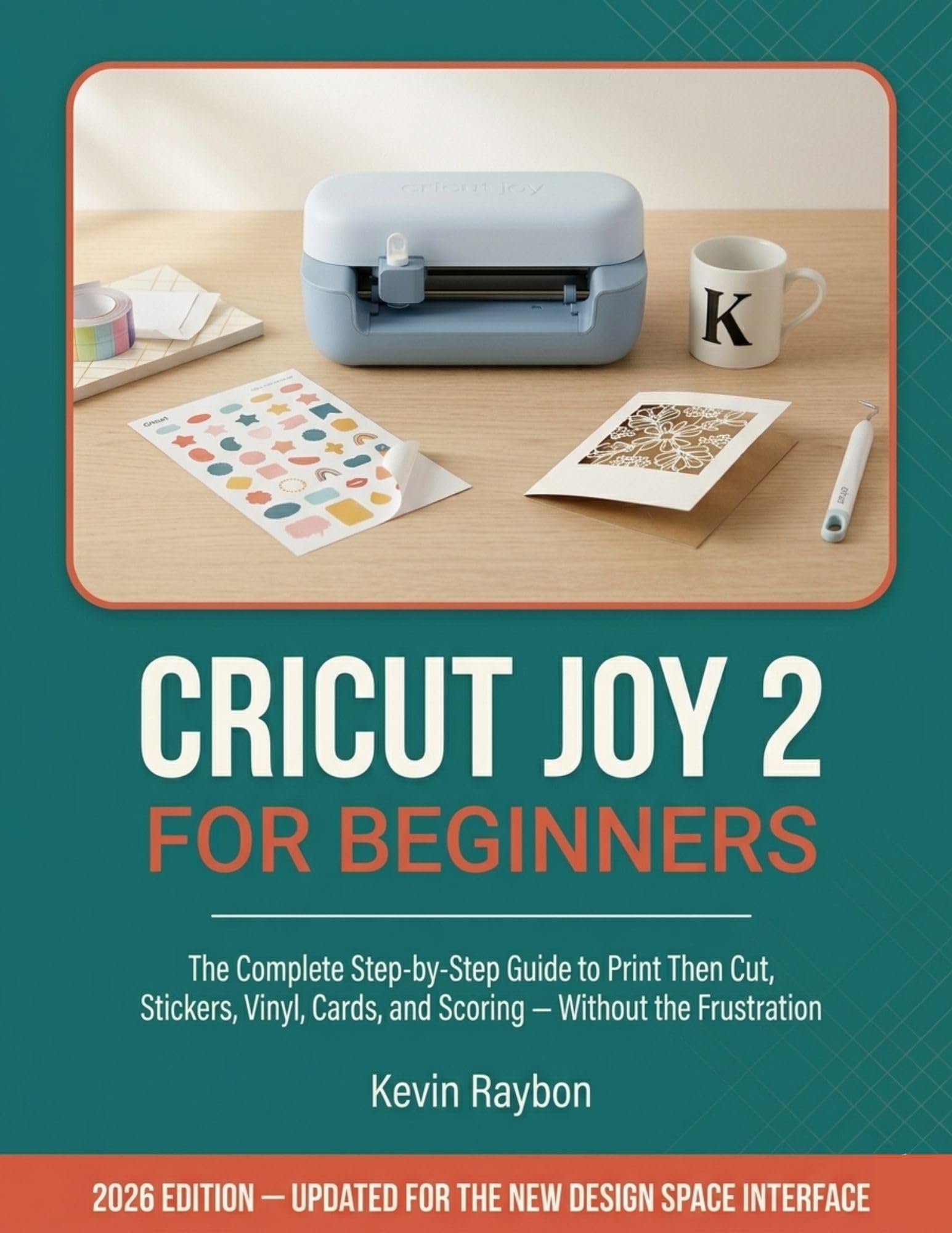
Do you own a Cricut Joy 2 but still feel like you’re guessing every time you sit down to make something?
Have you wasted sticker paper on a Print Then Cut that wouldn’t align? Pressed an HTV design only to watch it peel off after one wash? Opened Design Space and spent 20 minutes looking for a tool that used to be right there?
You’re not doing anything wrong. You just need a guide written for the machine you actually own, not a recycled tutorial from 2023.
If you’ve ever thought “I spent good money on this machine, so why can’t I figure it out?” — you’re in exactly the right place.
Most beginners don’t struggle because they lack creativity. They struggle because no one has shown them the specific steps for the specific machine in front of them. One wrong setting, the wrong mat, a forgotten mirror toggle, or a Design Space tool that moved in the 2026 update — and a project that should take 20 minutes turns into a frustrating hour of wasted materials.
This book fixes that.
Cricut Joy 2 for Beginners is the only guide written specifically for the 2026 machine and the current Design Space interface — every screenshot, every menu location, and every changed tool updated for what’s on your screen right now.
Here’s everything you’ll find inside:
The complete 2026 Design Space interface explained from scratch — the new Edit Panel, Layers, Attach, Weld, Flatten, and every operation type, clearly mapped so you never feel lost againThe full Print Then Cut workflow step by step — including the Joy 2’s split-sheet system that no other guide explains, and why your cuts keep missing the printed designSticker sheet design from scratch — offset, bleed, Kiss Cut vs. Die Cut, waterproof tumbler stickers, and the Etsy licensing basics you need before you sellScoring, card mat setup, and insert cards — so your folded projects look crisp and professional every timeHTV on fabric done right — mirror, load orientation, EasyPress technique, hot vs. cold peel, and care instructions for designs that survive 30 or more washesSmart Materials and matless cutting — for banners, long labels, and repeated shapes up to 20 feet without ever loading a mat16 complete step-by-step projects plus 10 quick weekend builds covering every technique in the bookFull troubleshooting tables for every common failure in vinyl, HTV, Print Then Cut, scoring, and drawing — so you can fix problems in seconds instead of searching for answers onlineNo Cricut Access subscription required. No prior experience needed. No outdated screenshots.
Just clear, honest, step-by-step instruction for the Cricut Joy 2 you already own.
Scroll up, click Buy Now, and make your first project today.